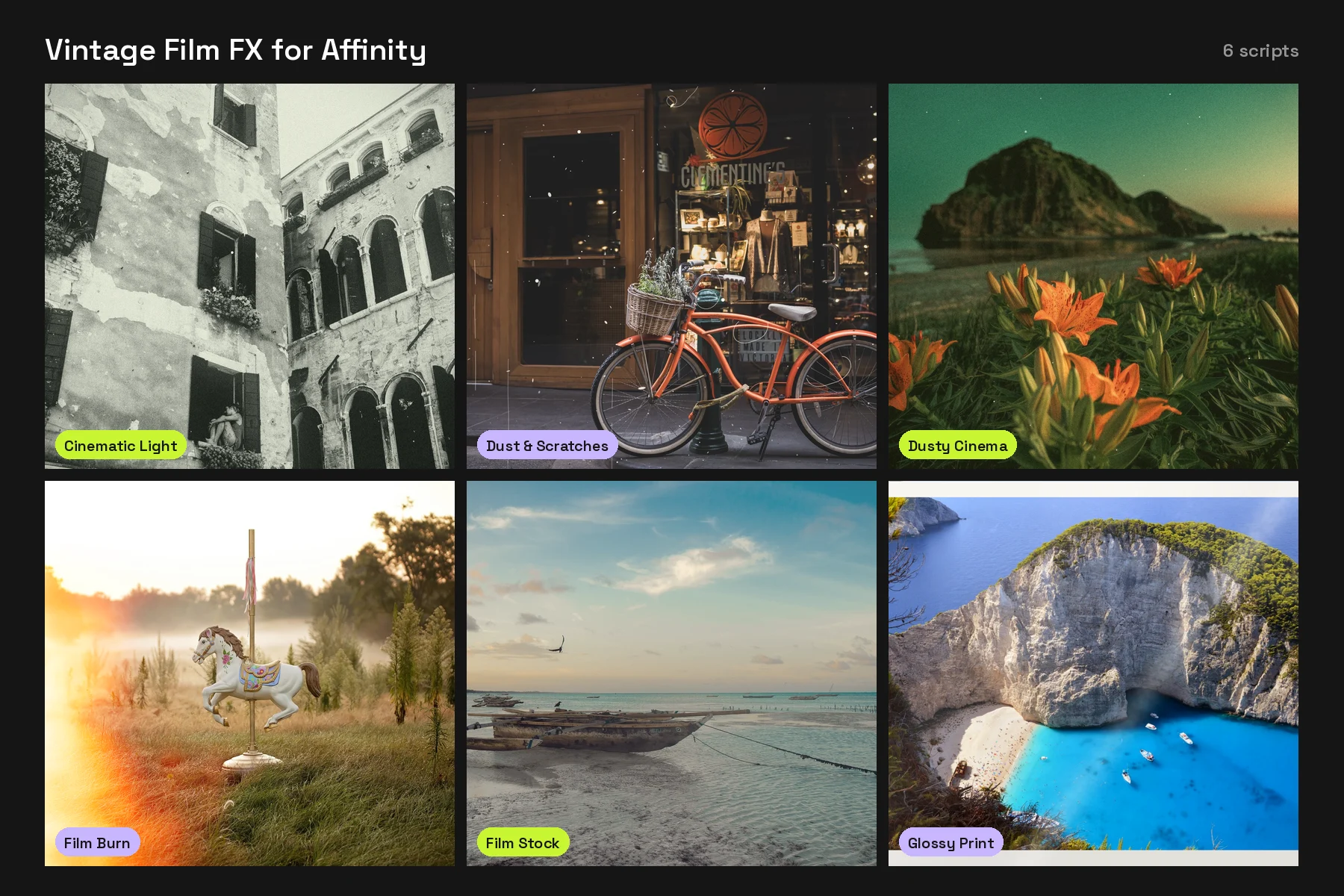
Vintage Film FX gives digital photos the look of film, from the colour of old stock to the dust and burns on it. Every part lands as its own layer, so you can stack them for the full look.
The six effects
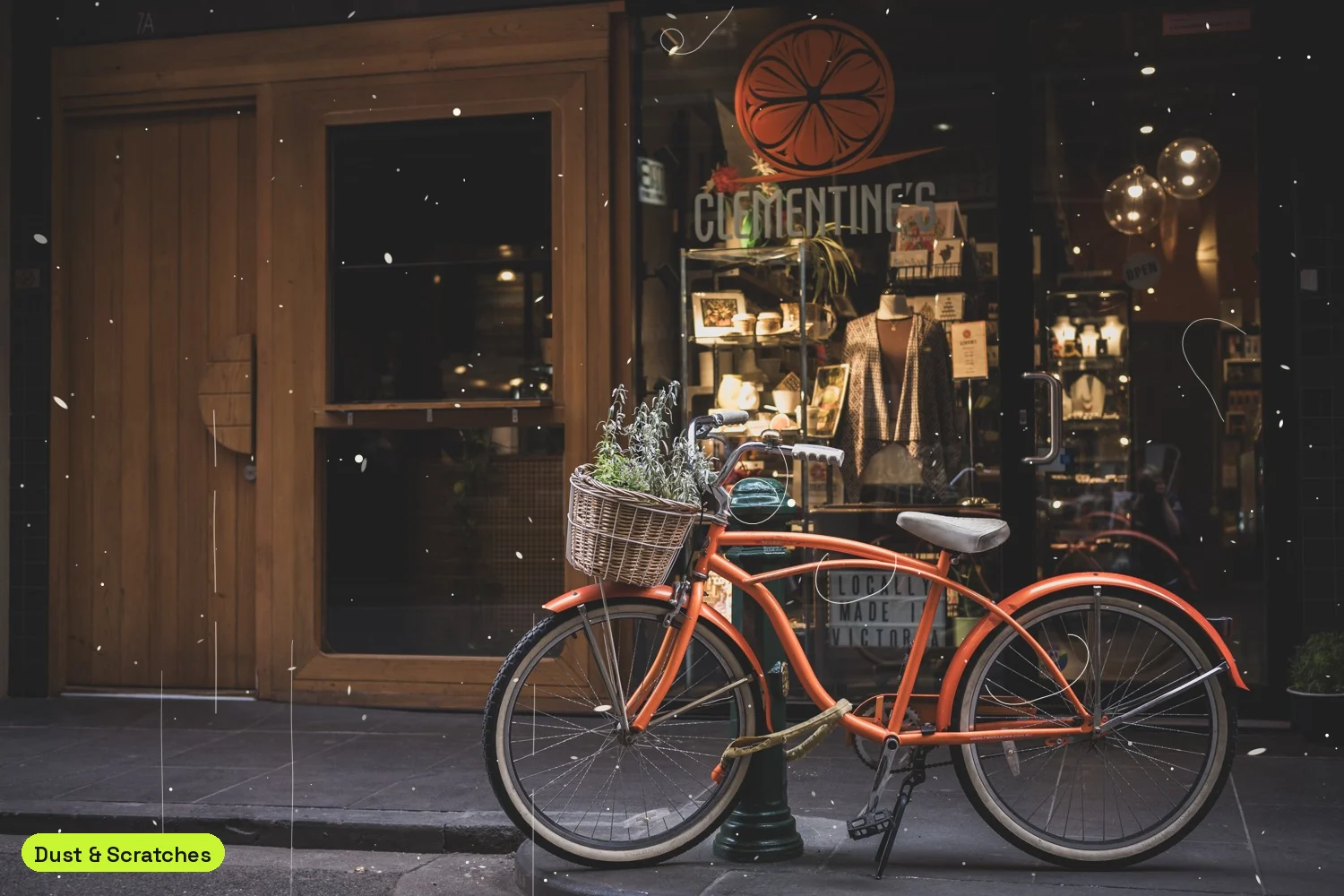
- Dust & Scratches: light dust in Screen mode, like a scanned negative, or dark dust in Multiply, like a print.
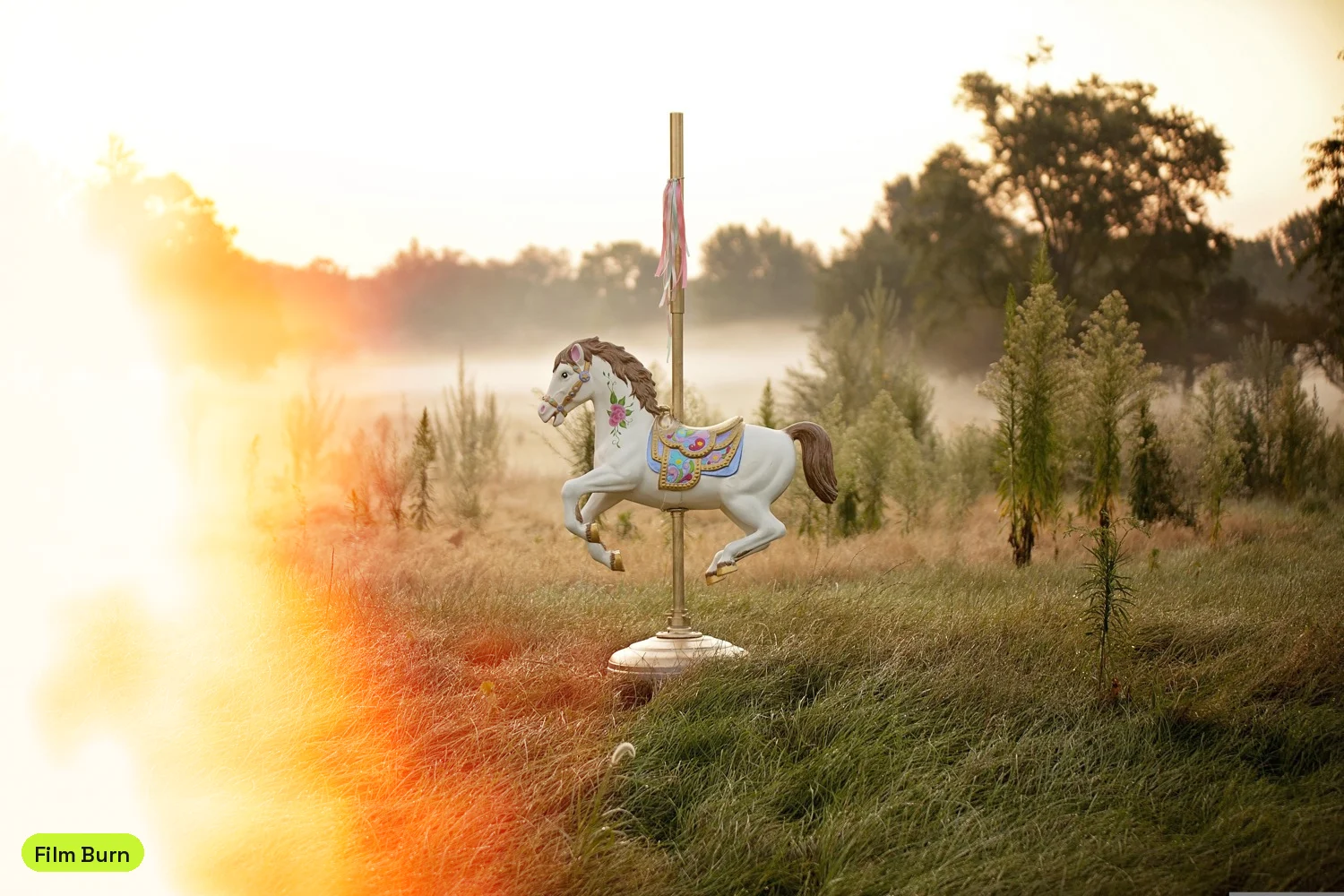
- Film Burn: a roll end, melted burn holes, a flash frame or burnt edge strips.
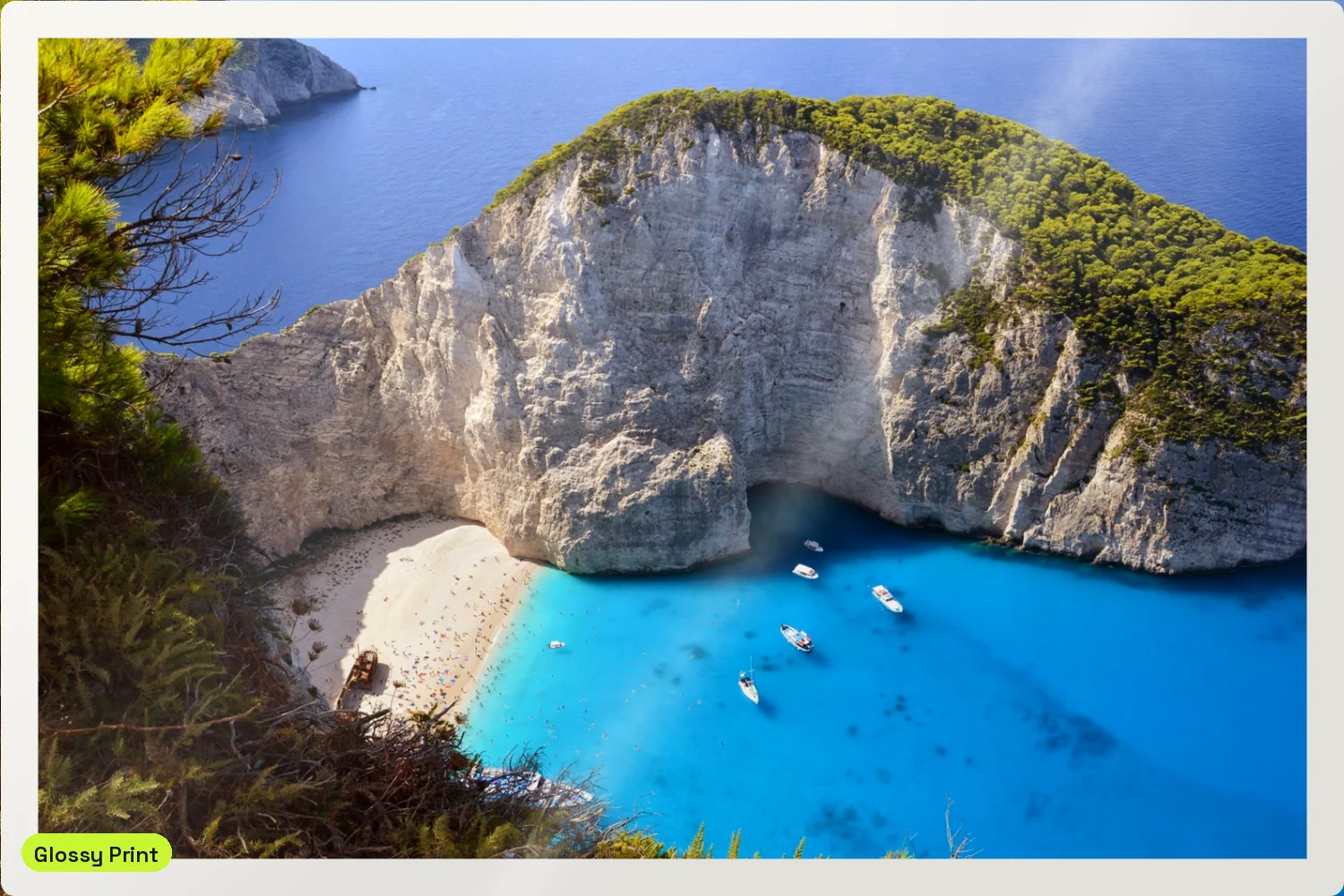
- Glossy Print: a glossy photo print with punchy colour, sheen, reflections, a white border and rounded corners.
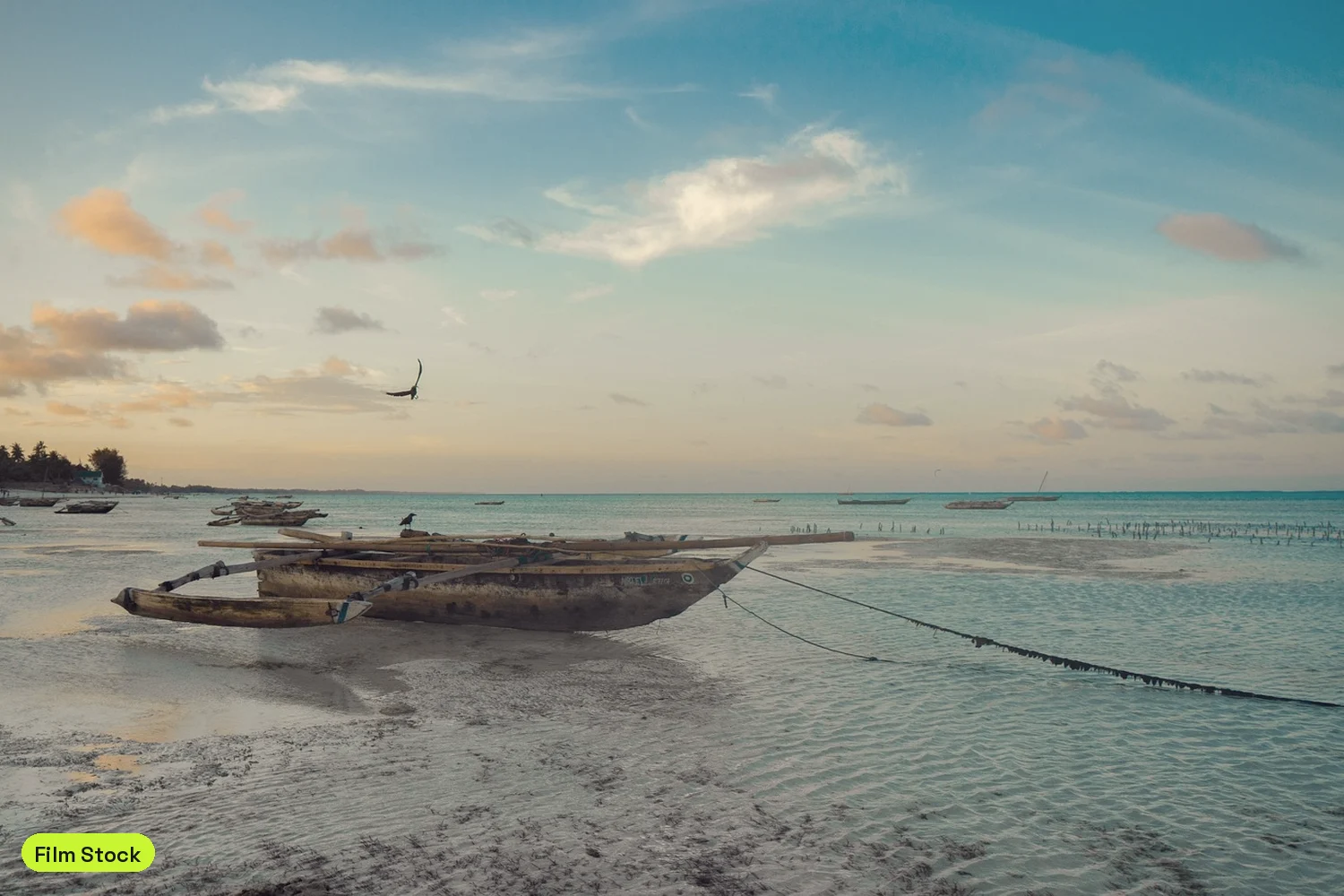
- Film Stock: a vintage film colour look: tone curve, faded blacks, split toning, saturation and vignette.
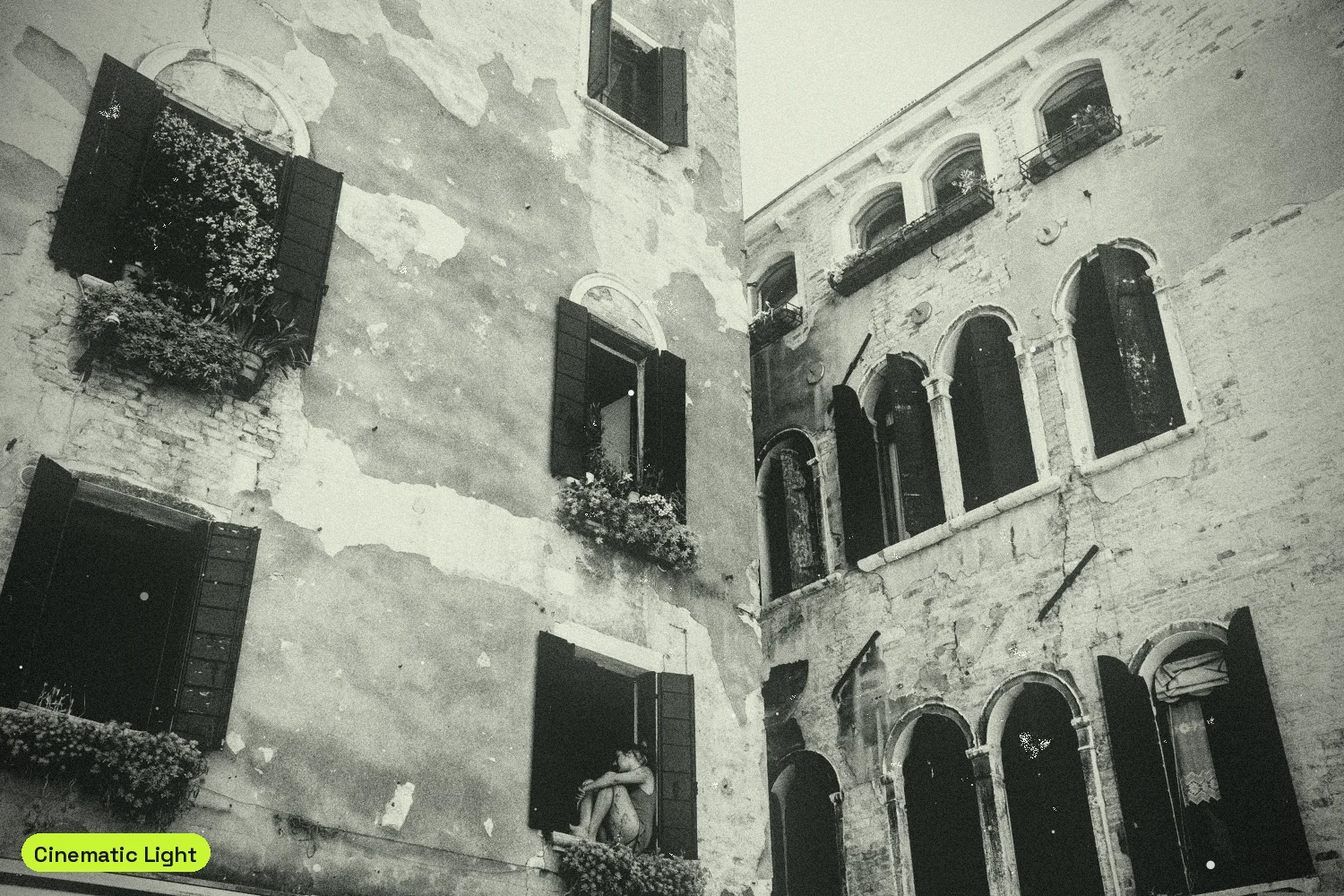
- Cinematic Light: a grainy black-and-white film still with soft window light, faded blacks and emulsion flecks, toned green-grey, neutral, sepia or cold blue.
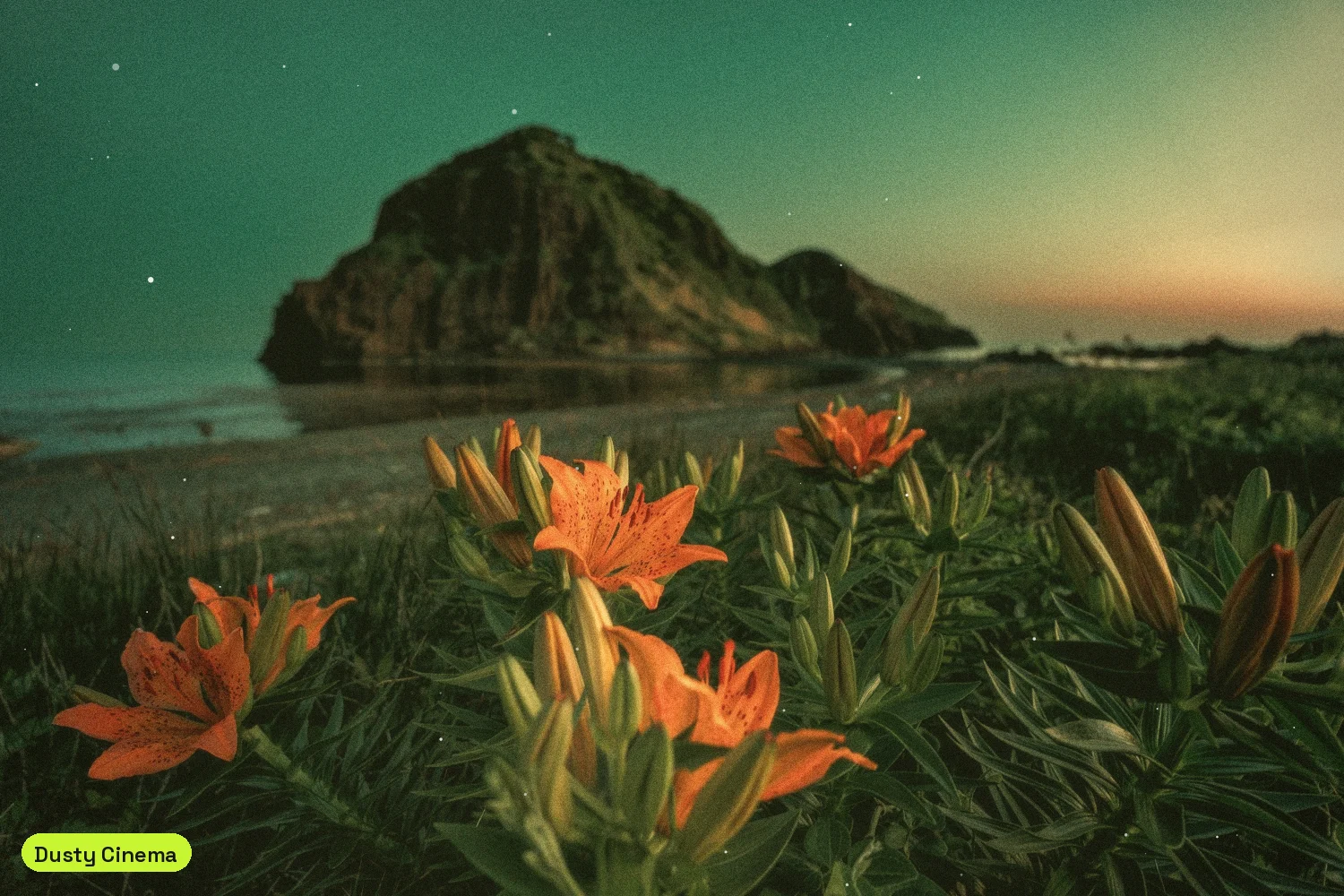
- Dusty Cinema: a faded, warm film still: green-black shadows, golden highlights, soft focus, halation, grain and dust in one click.
Non-destructive
Every effect is added as a new layer above your photo. Lower its opacity, change its blend mode, mask it or delete it whenever you like.
Install
Double-click Vintage Film FX.afscripts and Affinity adds all six scripts to your Scripts panel as one set. Prefer only a few? The single .afscript files are in the download too. Affinity asks once whether to trust scripts from outside the app.
Preview photos: jessicachristian, kanenori, klimentgrozdanoski, pen_ash, sontung57 on Pixabay, and Pexels.
What's inside
Specs
- Works with
- Affinity
- Works with
- Affinity by Canva 3.3 or later (Scripts panel)
- Files
- 1 .afscripts set + 6 single .afscript files
- Output
- Your photo's size, up to 4000 px on the long side
More effects & scripts
See all →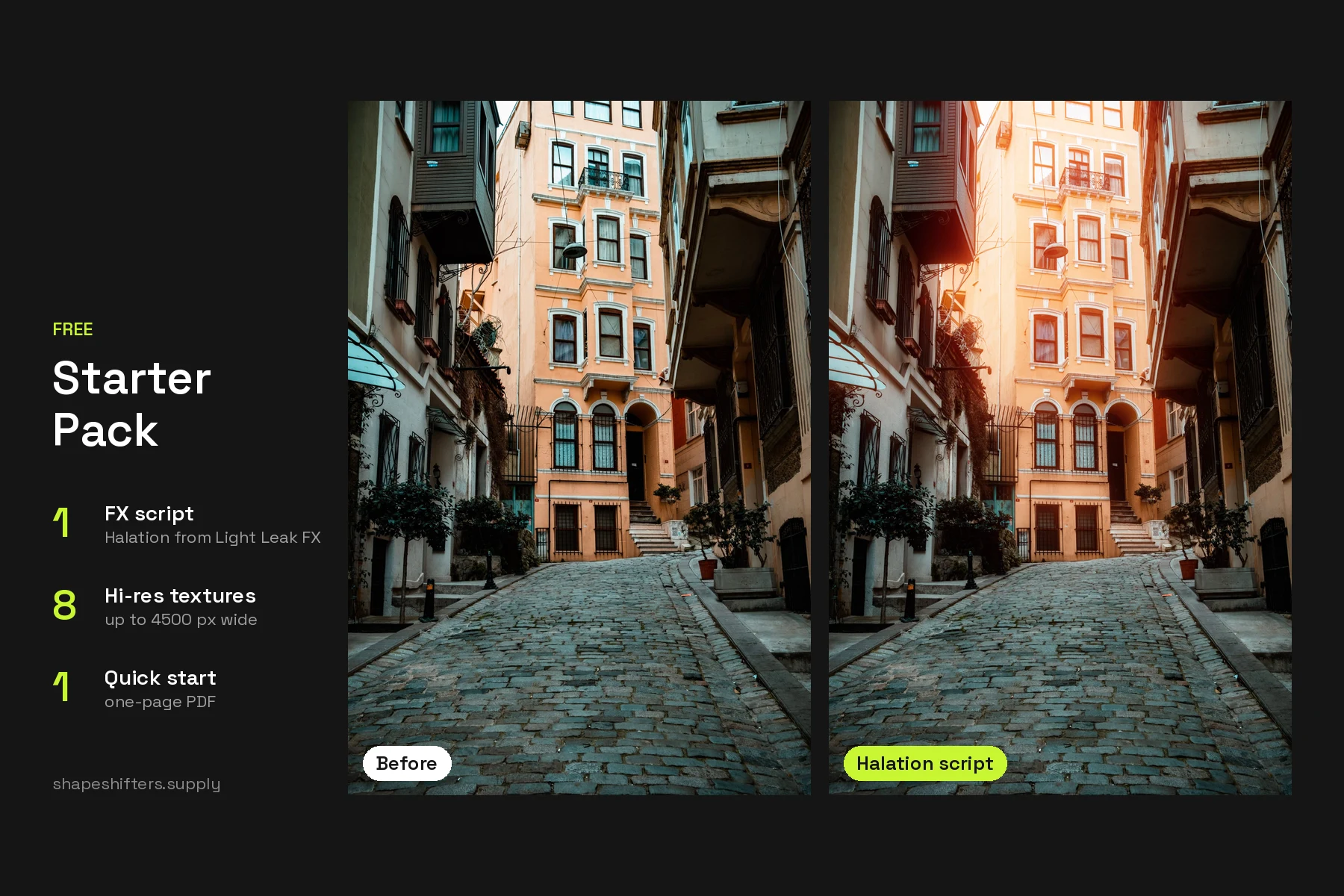
Join the Shapeshifters.
Get the free Starter Pack now (an FX script and 8 hi-res textures), plus new drops and tutorials by email. Buyers get a role in our Discord.