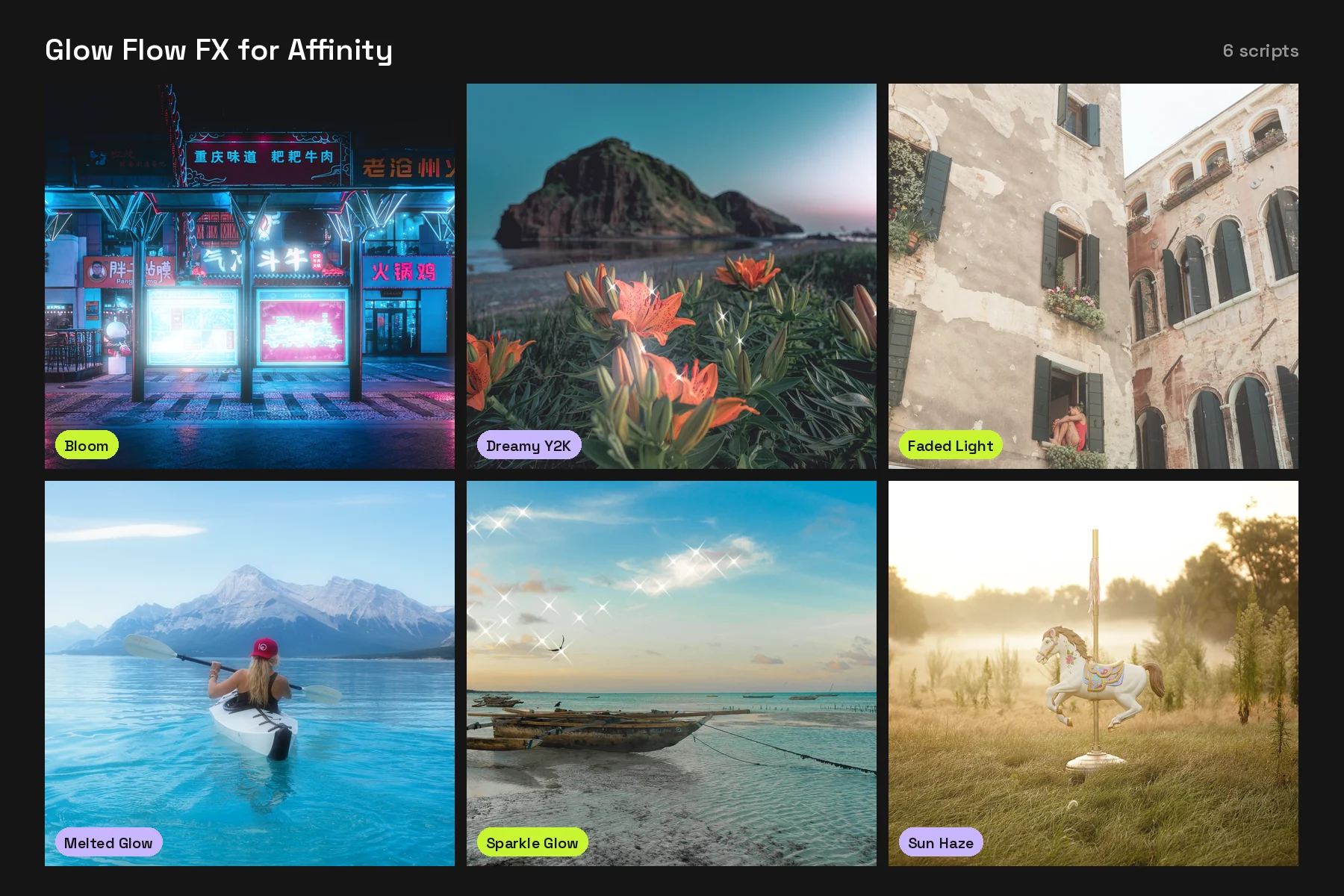
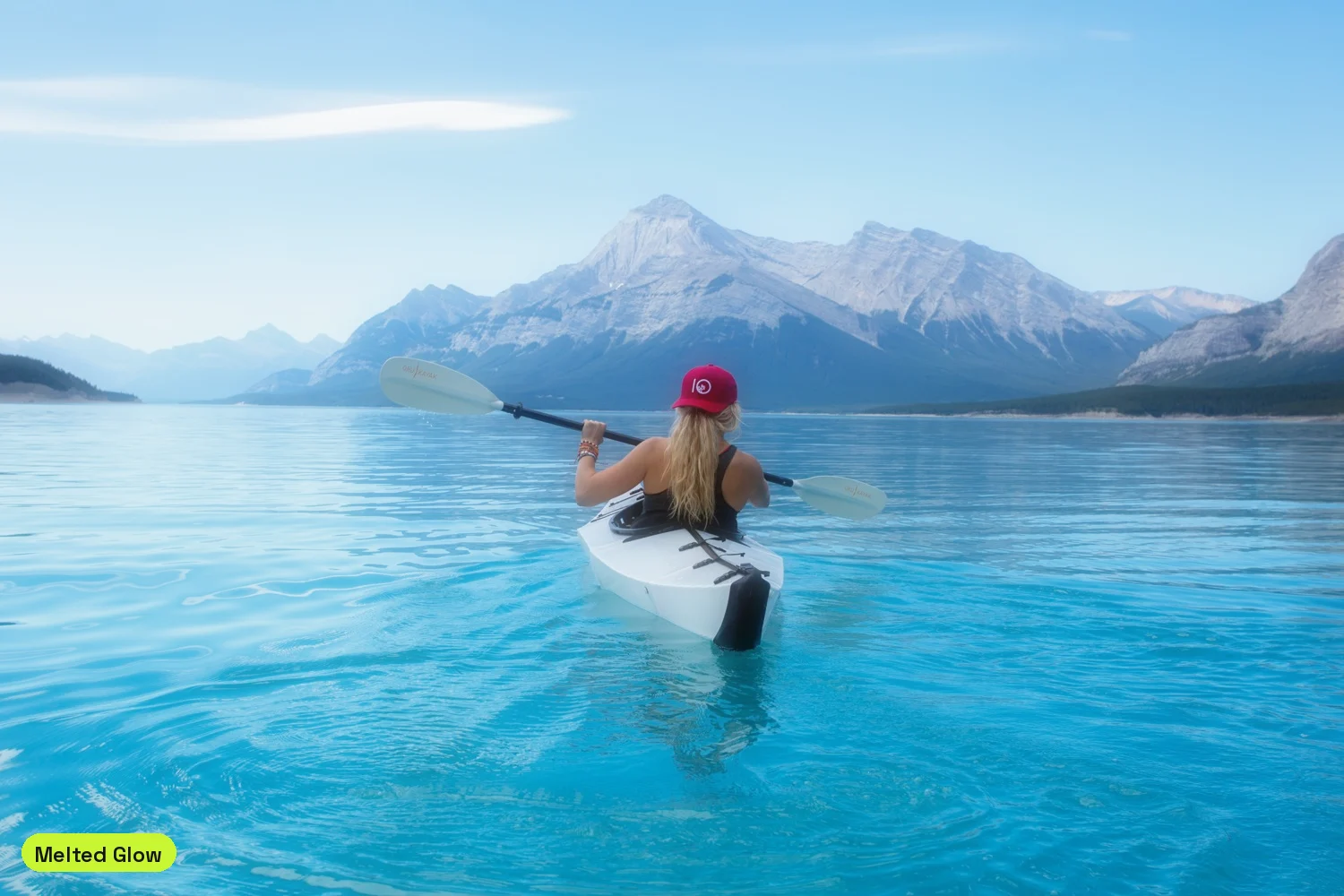


Glow Flow FX adds light that comes from the photo itself: highlights bloom, haze drifts in and sparkles sit on the brightest points. Every glow lands as its own Screen layer, so you can lower it, mask it or delete it any time.
The six effects
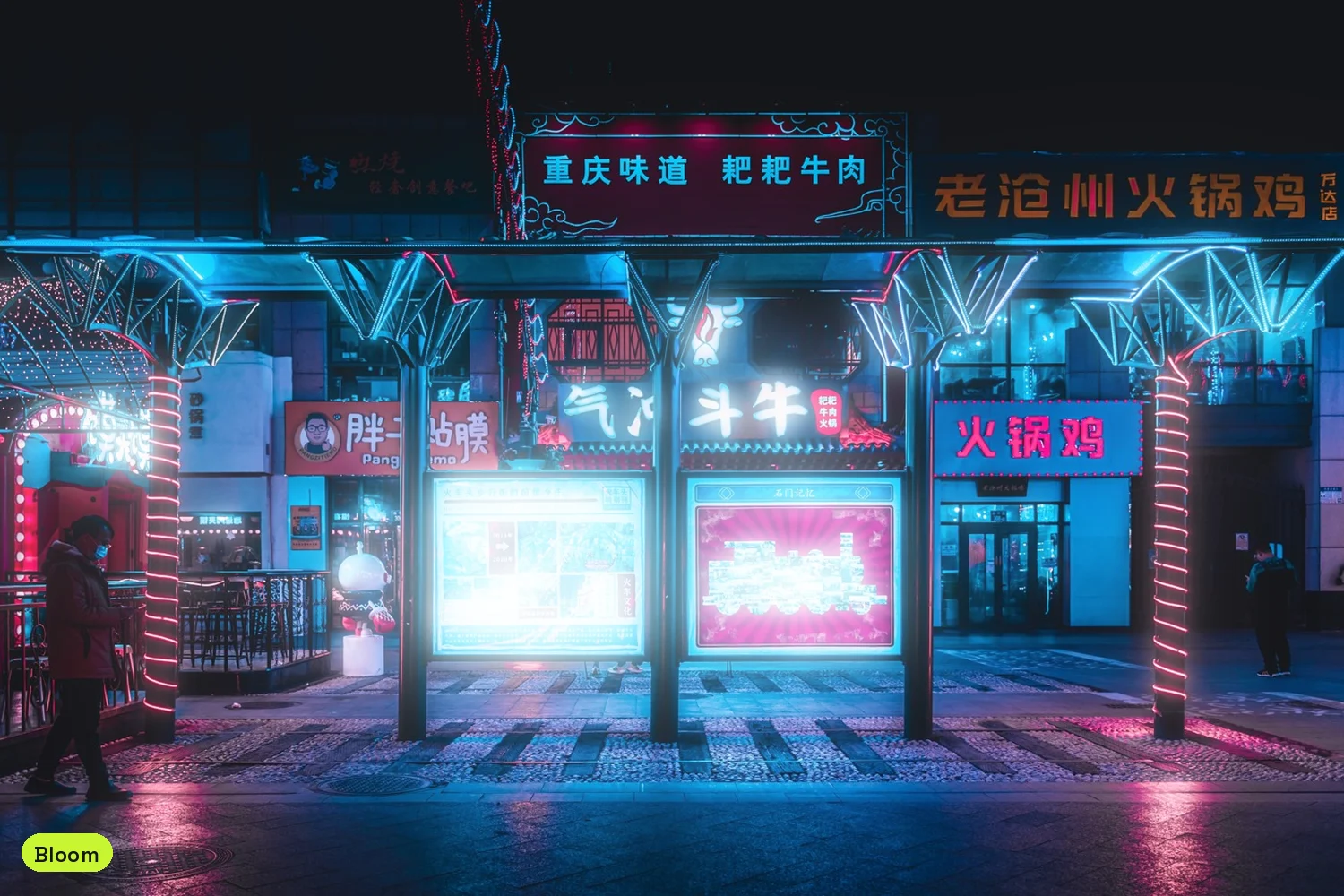
- Bloom: bright areas glow outward in three sizes, in their own colour or a tint.
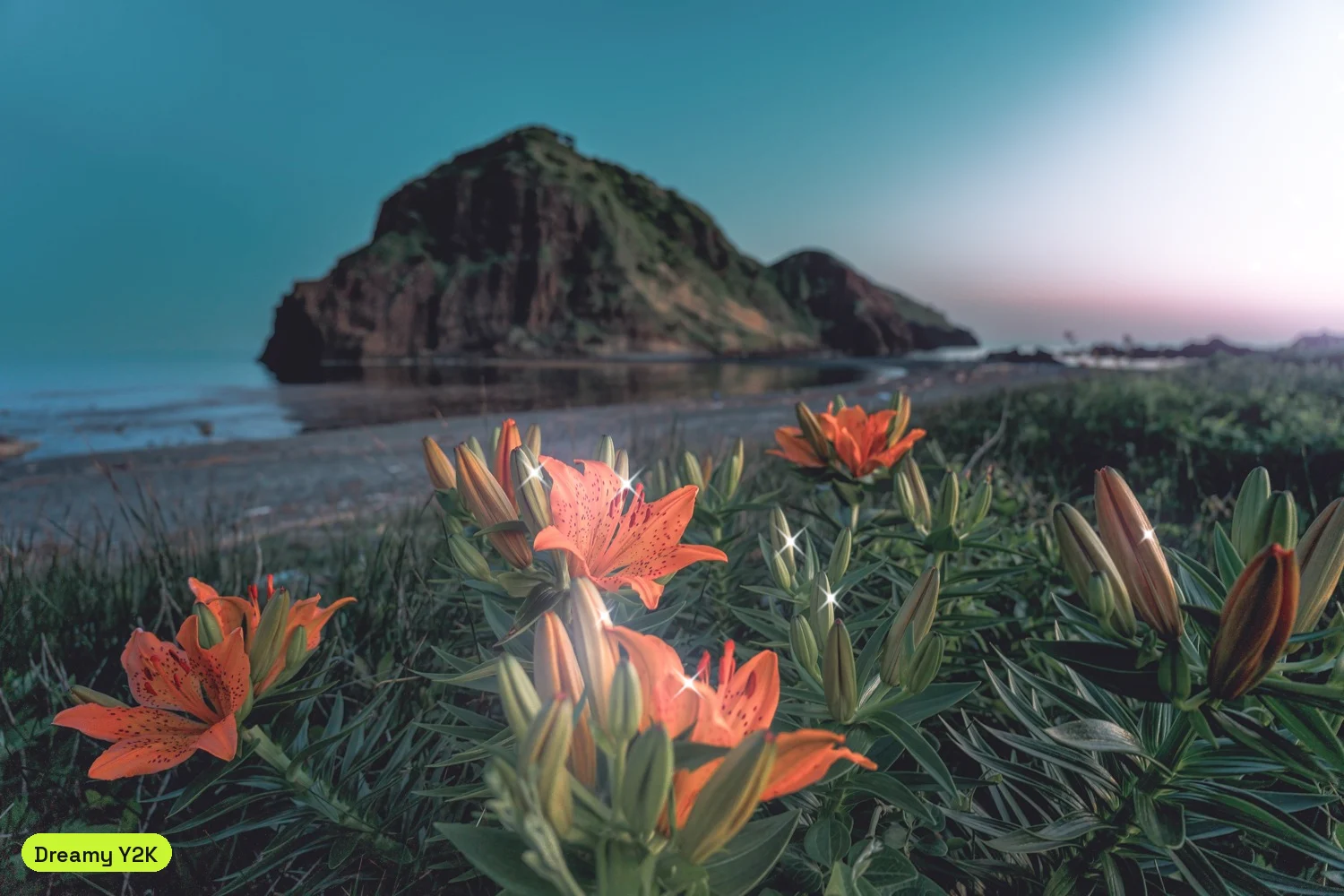
- Dreamy Y2K: pastel bloom with colour fringes around the highlights, a pastel wash and tiny sparkles.
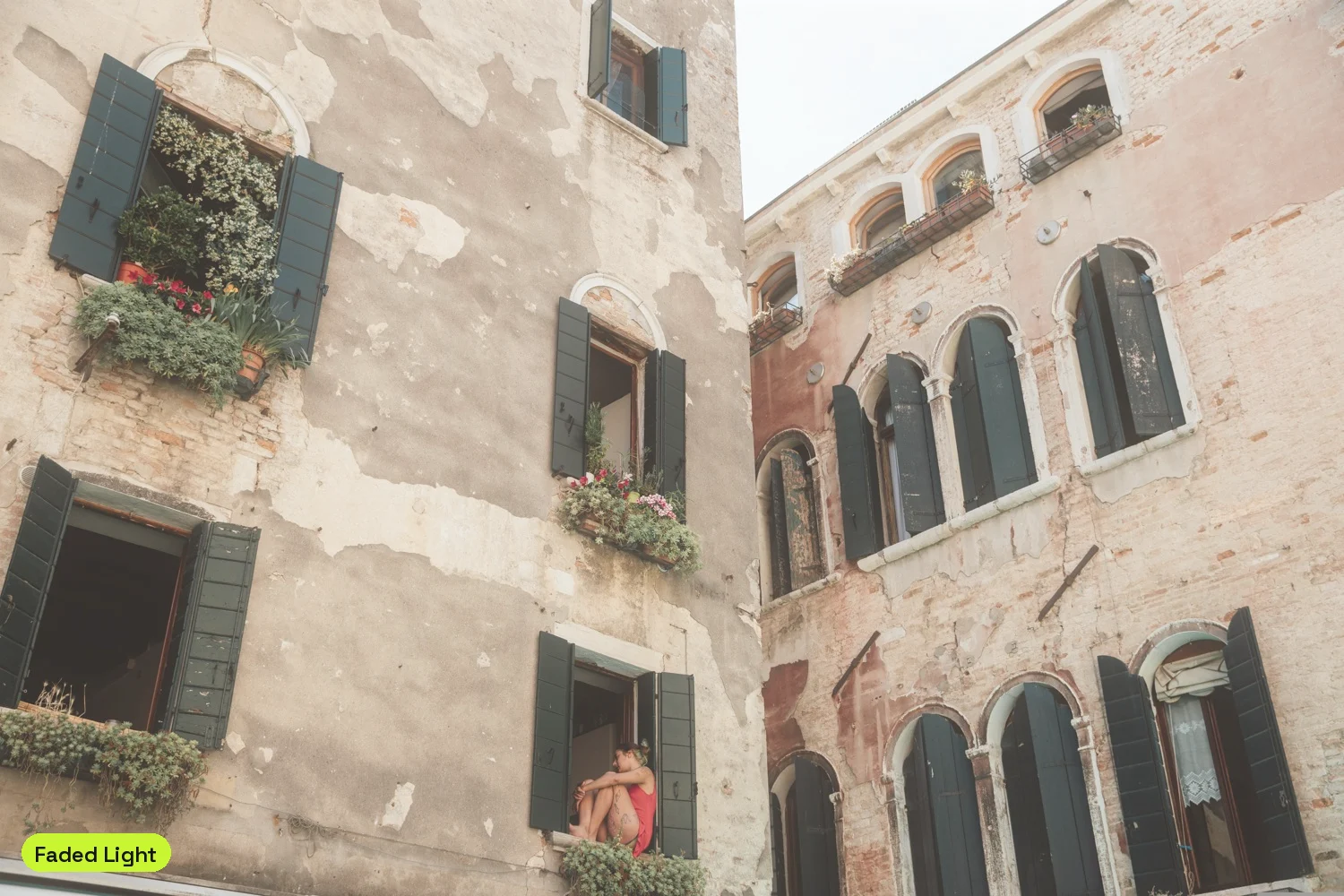
- Faded Light: a milky, washed-out light: lifted blacks plus a soft veil that follows the bright areas.
- Melted Glow: a brightened, softened copy on top; the shadows stay out, so it lights the photo up instead of fogging it.
- Sparkle Glow: star sparkles on the brightest points with a soft glow underneath. Shuffle for new star lengths and angles.
- Sun Haze: warm backlight from a sun you place, with golden haze and warm highlights.
Non-destructive
Every effect is added as a new layer above your photo. Lower its opacity, change its blend mode, mask it or delete it whenever you like.
Install
Double-click Glow Flow FX.afscripts and Affinity adds all six scripts to your Scripts panel as one set. Prefer only a few? The single .afscript files are in the download too. Affinity asks once whether to trust scripts from outside the app.
Preview photos: jcx516, jessicachristian, kanenori, klimentgrozdanoski, sontung57, thatsphotography on Pixabay.
What's inside
Specs
- Works with
- Affinity
- Works with
- Affinity by Canva 3.3 or later (Scripts panel)
- Files
- 1 .afscripts set + 6 single .afscript files
- Output
- Your photo's size, up to 4000 px on the long side
More effects & scripts
See all →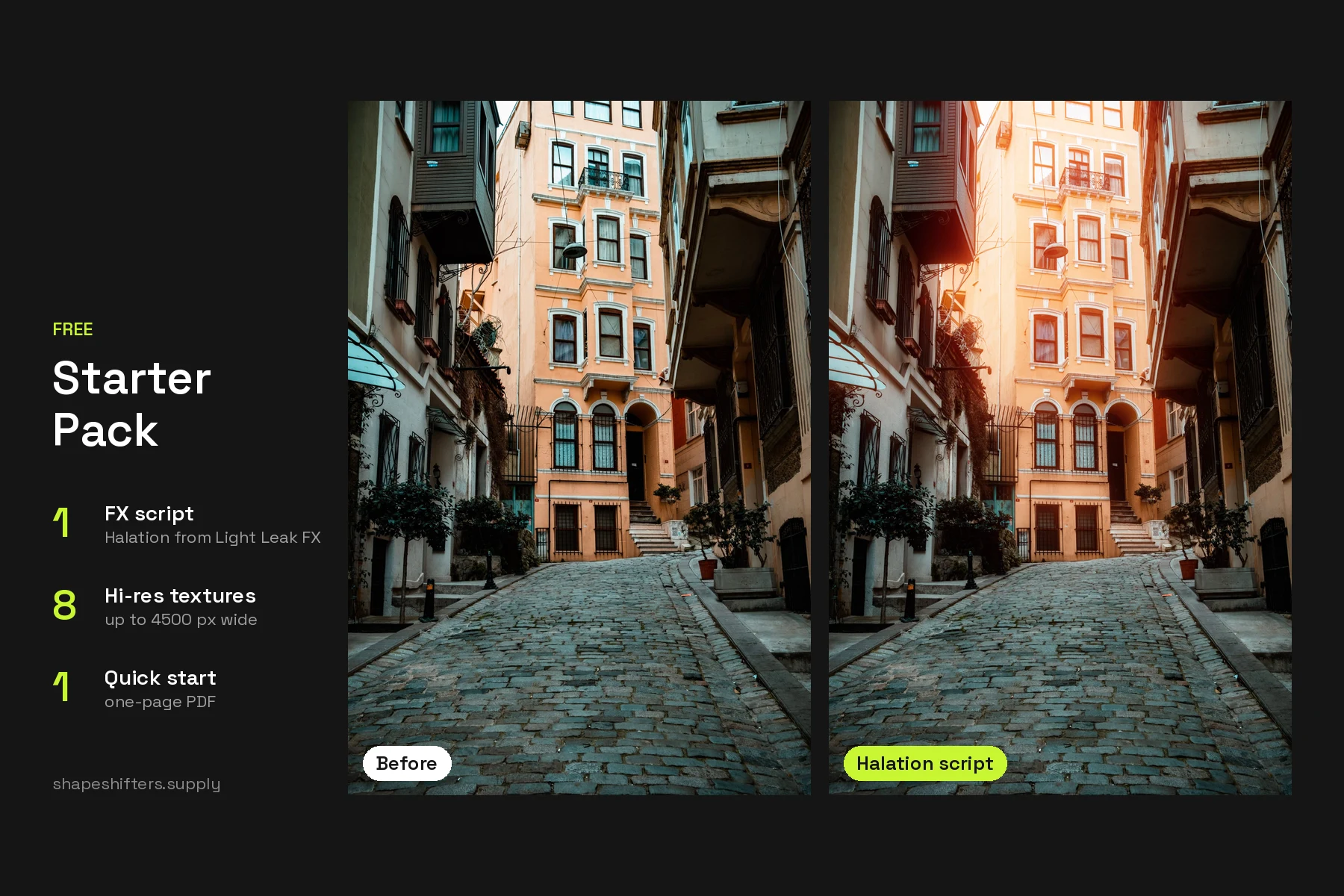
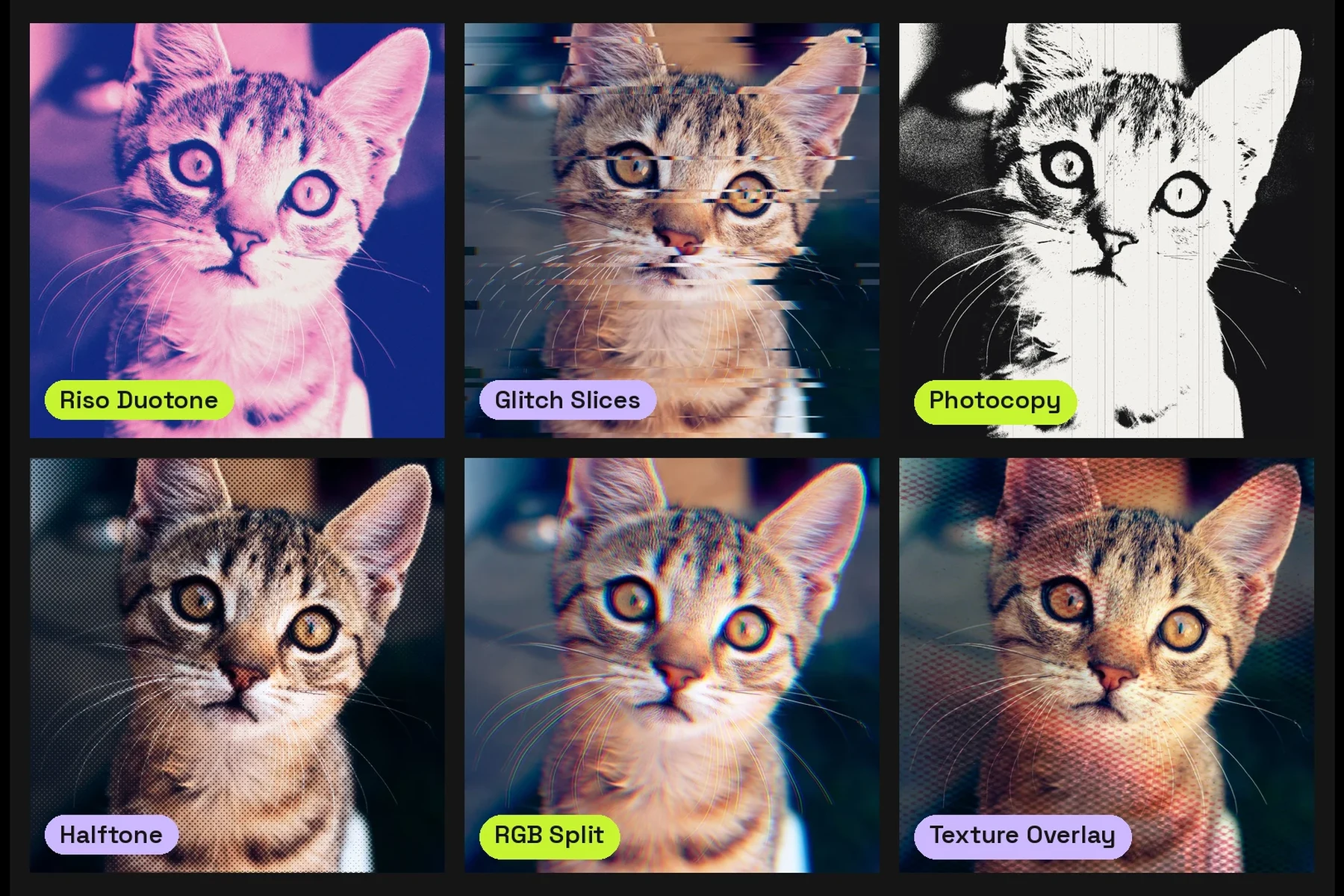
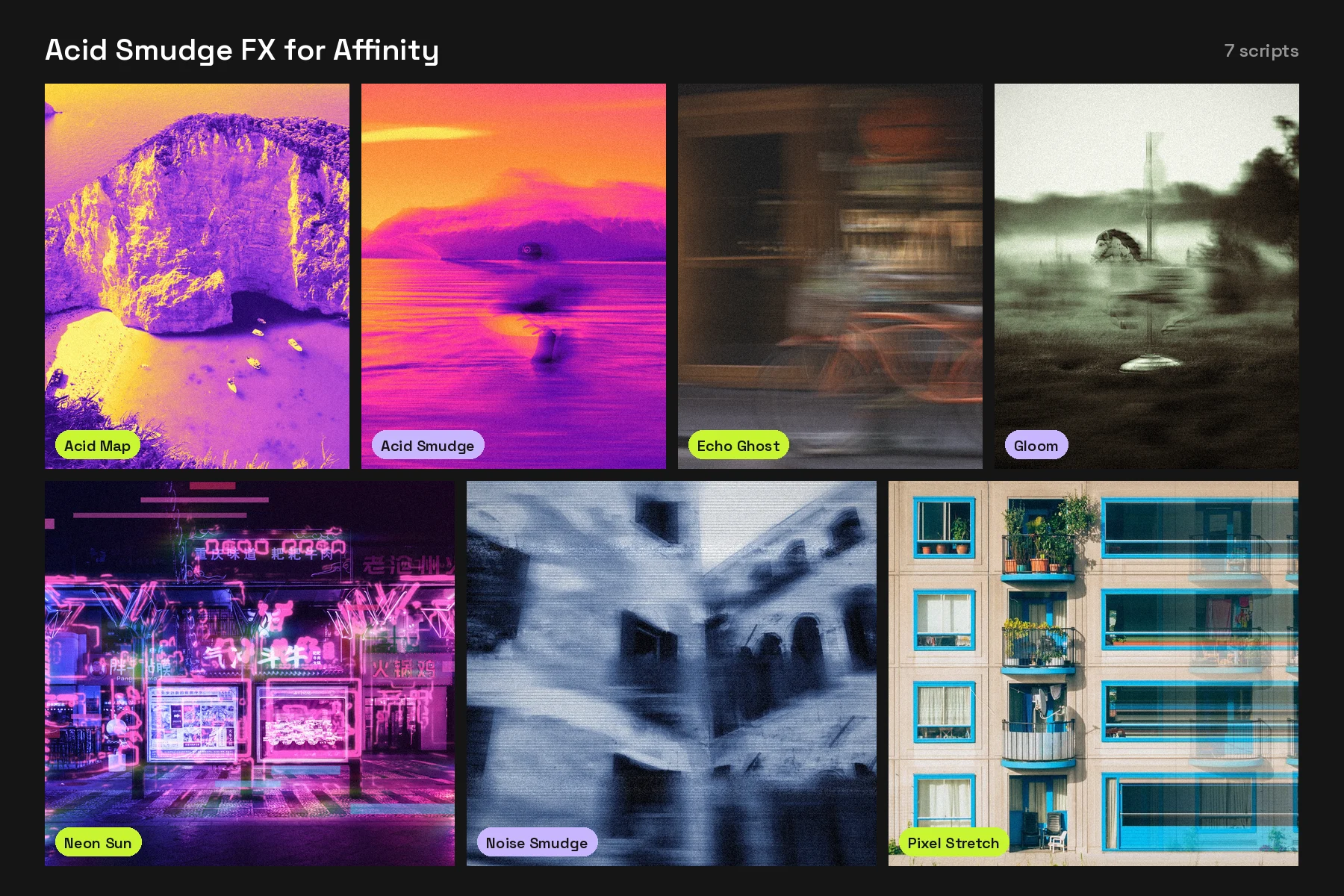
Join the Shapeshifters.
Get the free Starter Pack now (an FX script and 8 hi-res textures), plus new drops and tutorials by email. Buyers get a role in our Discord.